System integration
Connect equipment and third-party systems through Bus77, Modbus, BACnet, OPC, MQTT and other protocols.


Engineering system data and controls in one workspace for your facilities team.

iRidi BMS brings engineering equipment data together. Your team can view information and control systems through an interface tailored to the building.
Move from a building overview to an individual system: check readings, adjust settings and review the change history.
The SCADA system is a core part of the iRidi building automation ecosystem. It brings building data into one environment, processes and stores it, and presents it to users in the formats they need.
Connect equipment and third-party systems through Bus77, Modbus, BACnet, OPC, MQTT and other protocols.
Historical readings, event logs, charts and data processing rules help identify the causes of deviations.
Server redundancy and local data processing keep the system running across sites of different sizes.
User roles, activity logs and secure connections help control access to system functions.
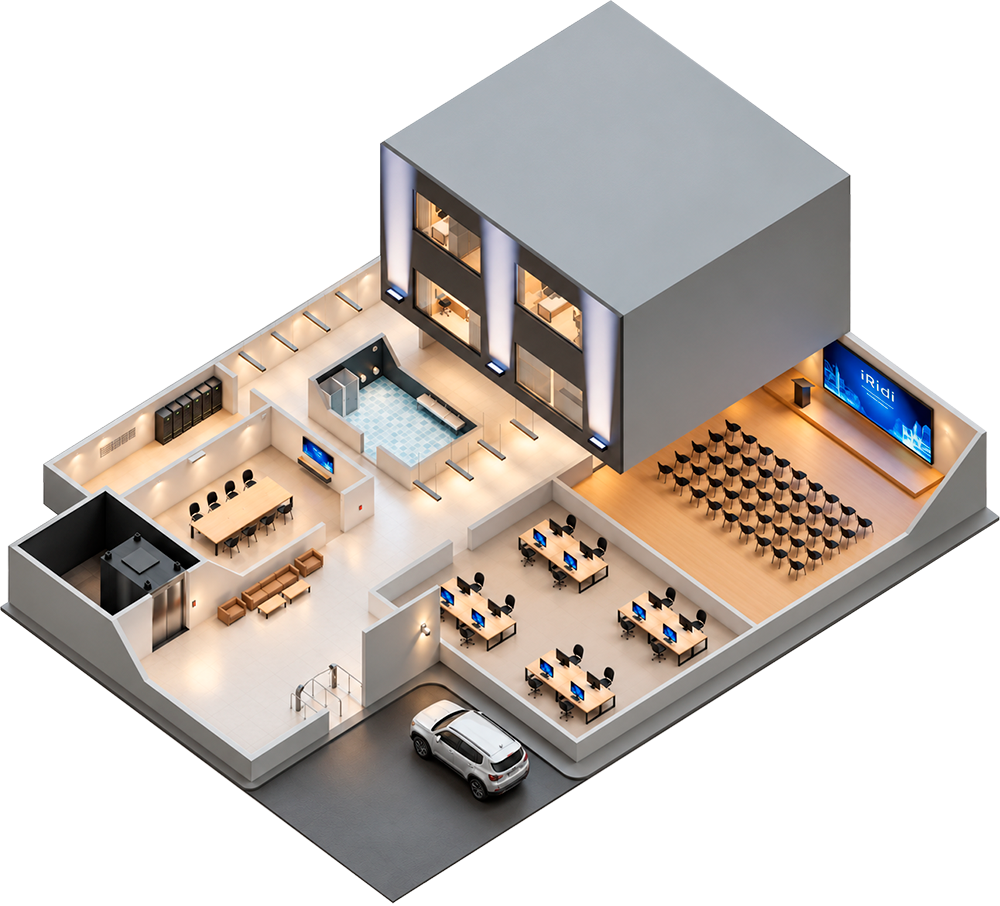
The operator sees the readings and tools they need. Data views and available actions are configured for each project.
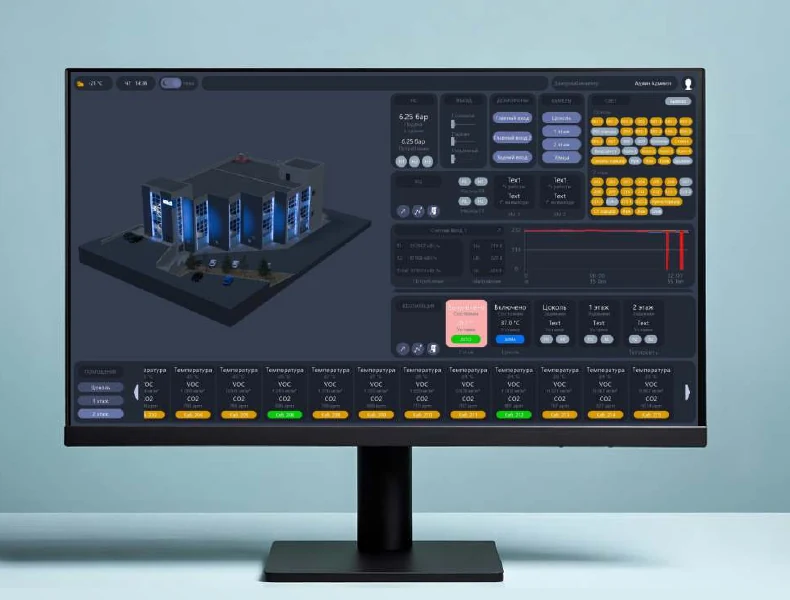
Data flows from field devices through controllers and integration servers into SCADA. The cluster server distributes processing and keeps a local archive.
Engineering system readings and actuators
Local control and third-party system connections
Collection, archiving, events and load distribution
System diagrams, charts, alarms and controls
Available connections and functions depend on the equipment and project design.
Software, servers and controllers bring the building's engineering and IT systems into one management environment.
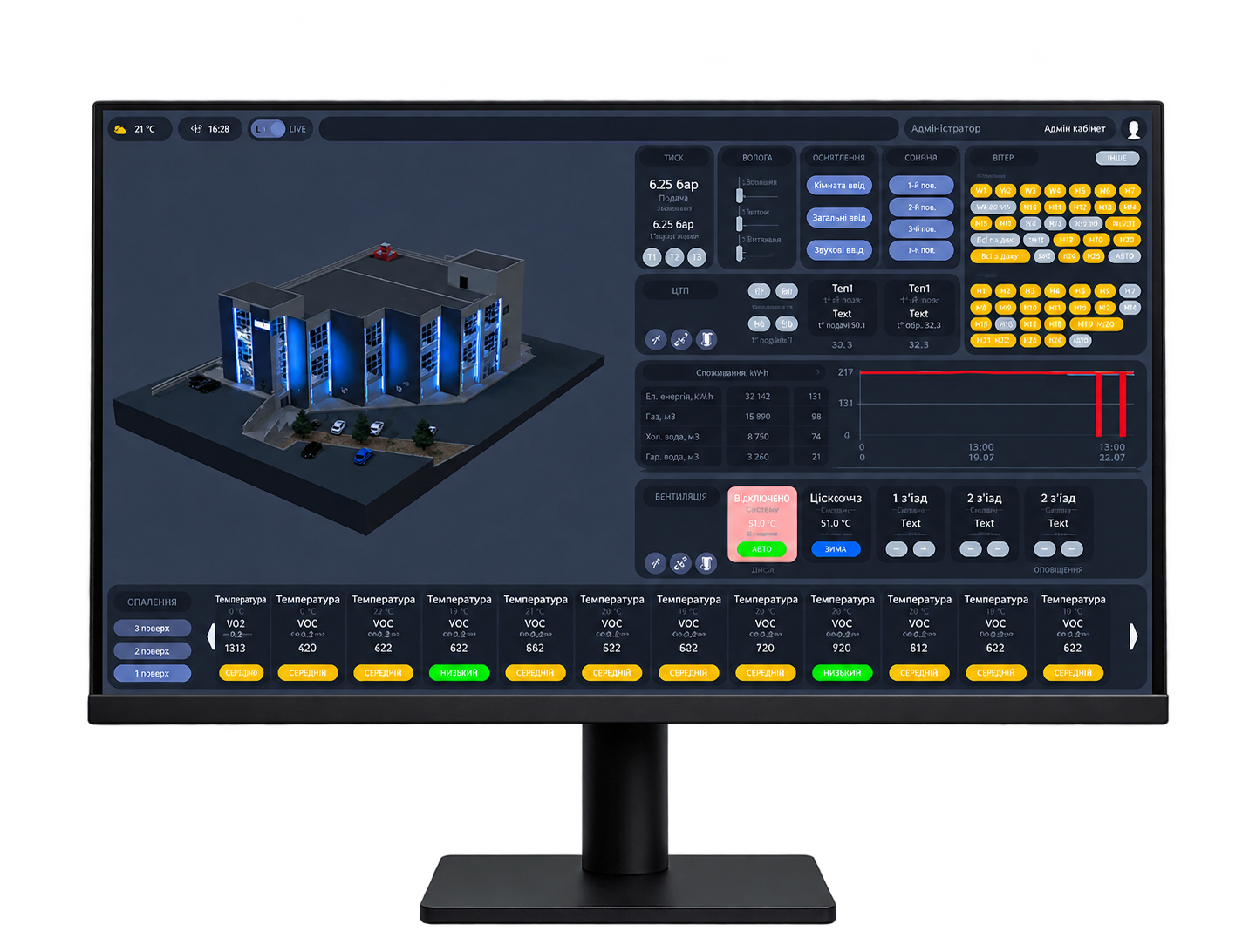
Software for monitoring, control and automation of building engineering systems. It supports protocols used by leading equipment manufacturers in Russia and worldwide.
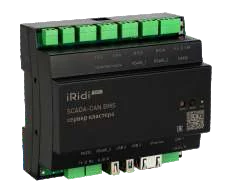
Collects and processes data on site, maintains a local archive and sends information to higher-level systems. The compact enclosure mounts on a DIN rail.
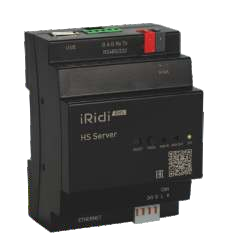
Connects controllers and systems using different protocols to the iRidi BMS ecosystem. It supports more than 70 automation protocols and can act as a gateway between systems.
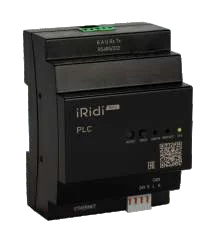
The hardware controller manages local automation systems in real time and sends data to the management platform. I/O modules connect actuators and sensors through standard interfaces.

Monitor HVAC, power supply, lighting and access from one place. Schedules and early deviation alerts help facilities teams respond.
Key functions: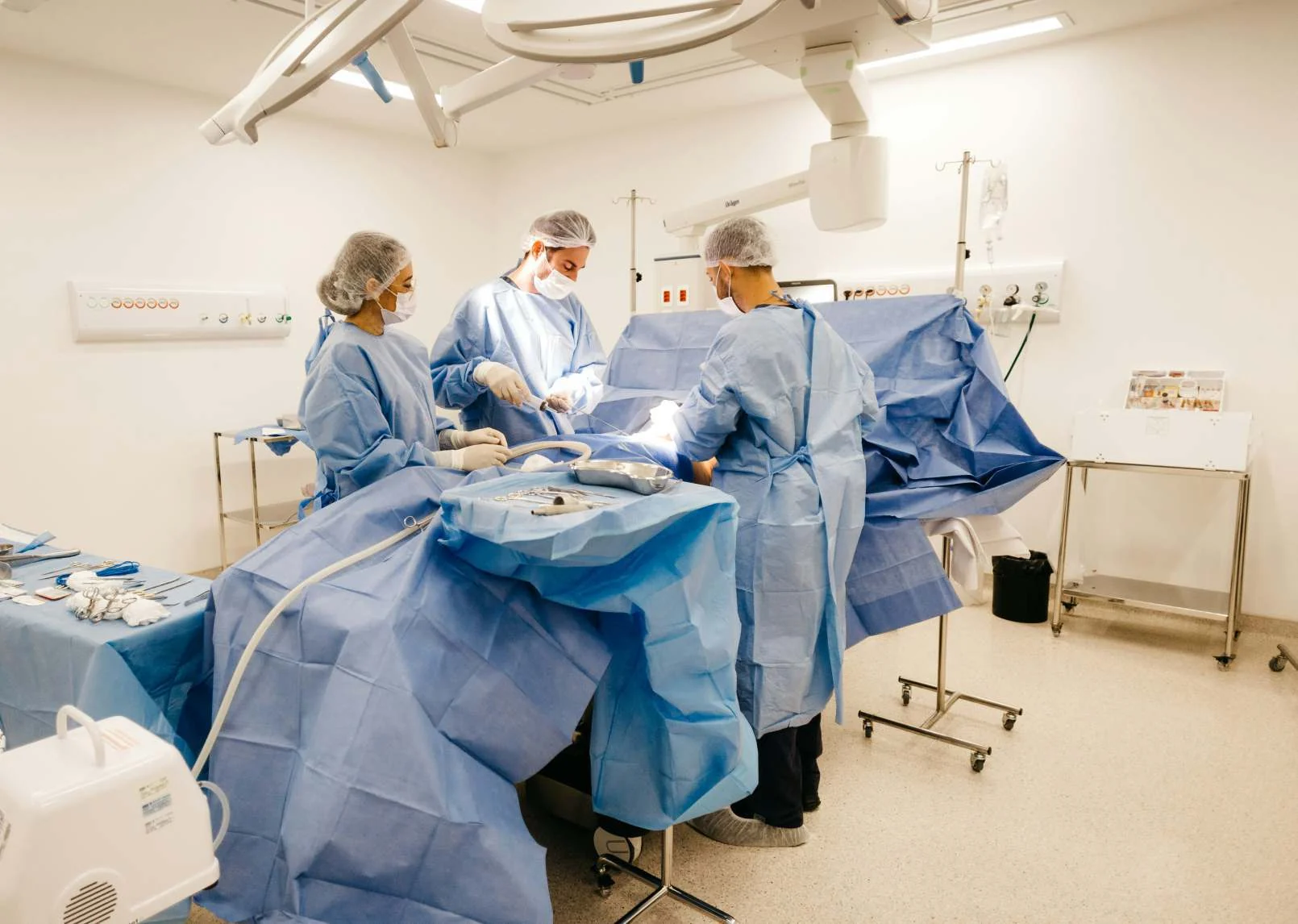
Monitor cleanroom ventilation, indoor climate and backup power. Operators can see readings from critical areas at their workstation.
Key functions: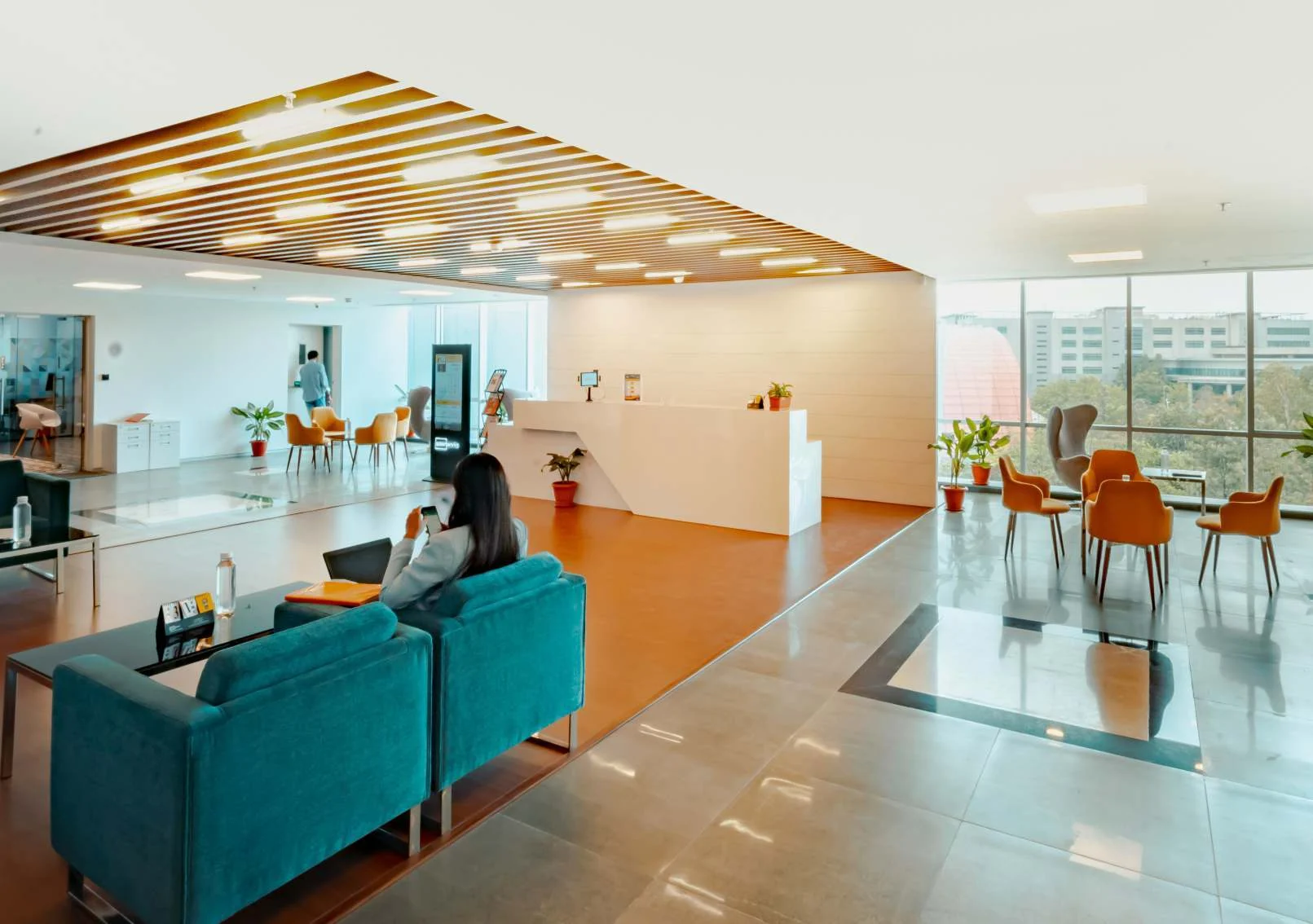
Manage climate, lighting and engineering systems in guest rooms and shared spaces using operating scenarios.
Key functions: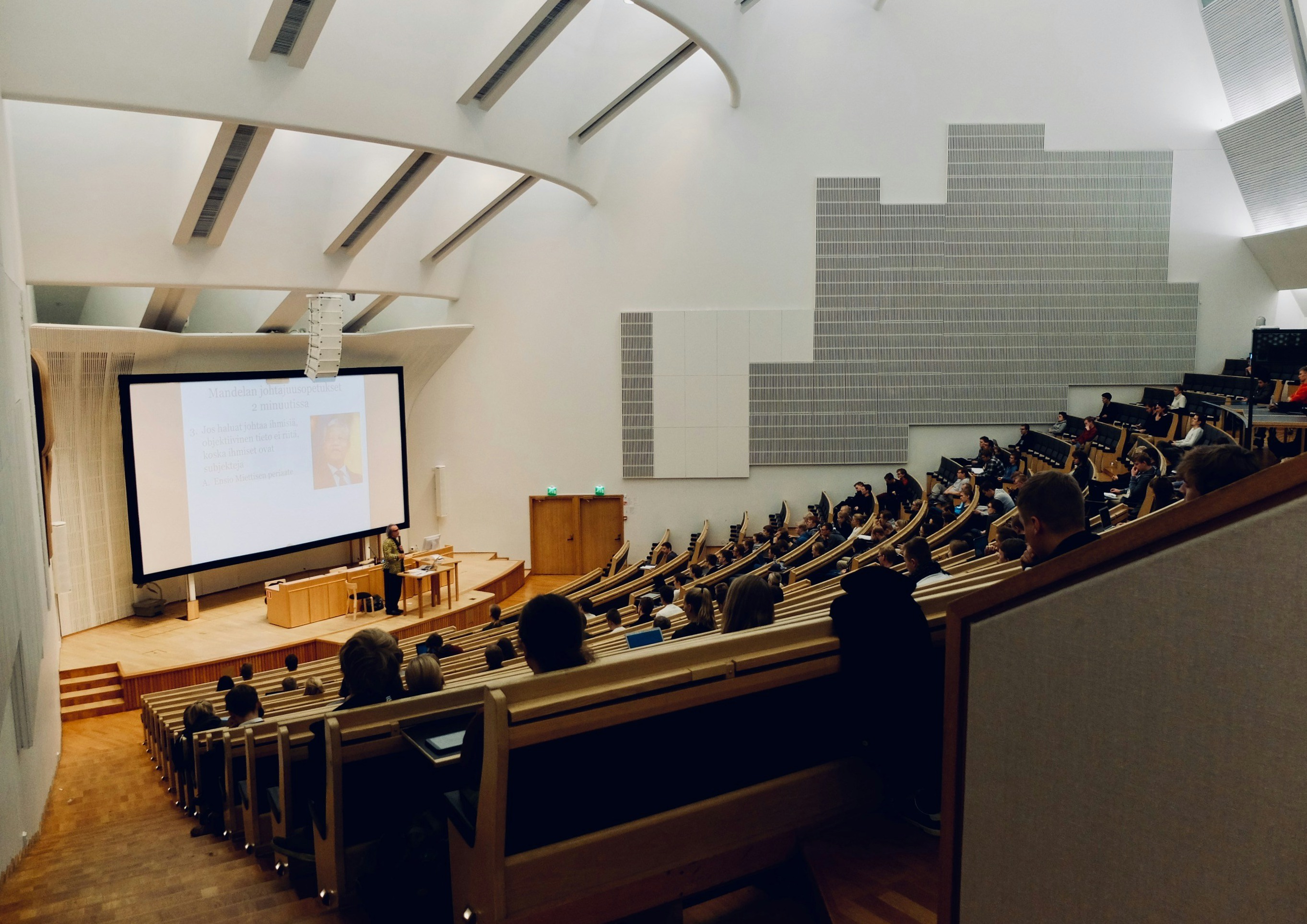
Integrating security, lighting and climate control creates a comfortable learning environment. Centralized monitoring helps track classrooms and engineering infrastructure.
Key functions: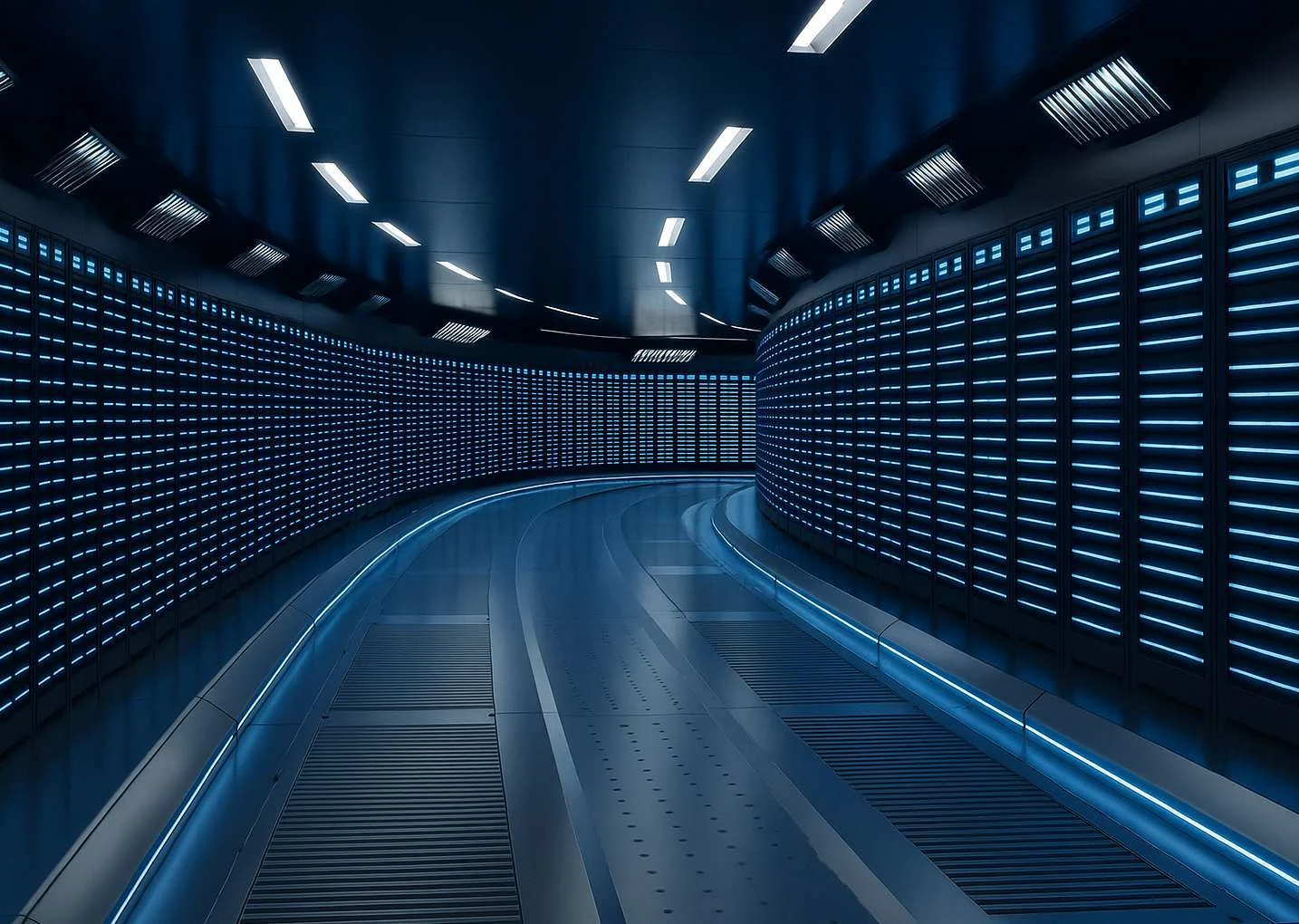
Monitor cooling, energy use and backup power to keep critical infrastructure running.
Key functions: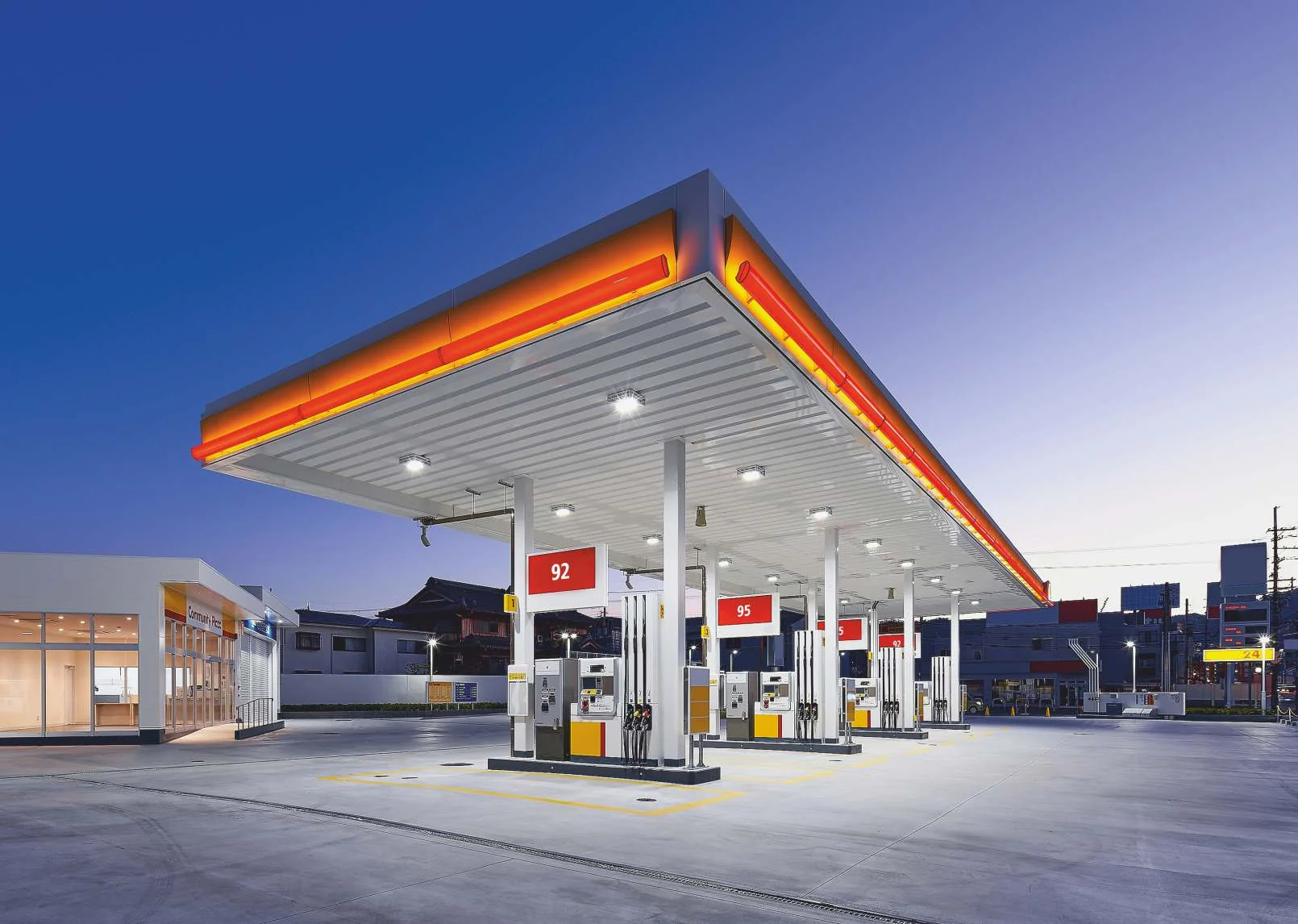
View station engineering systems, energy use and security events centrally on one screen.
Key functions: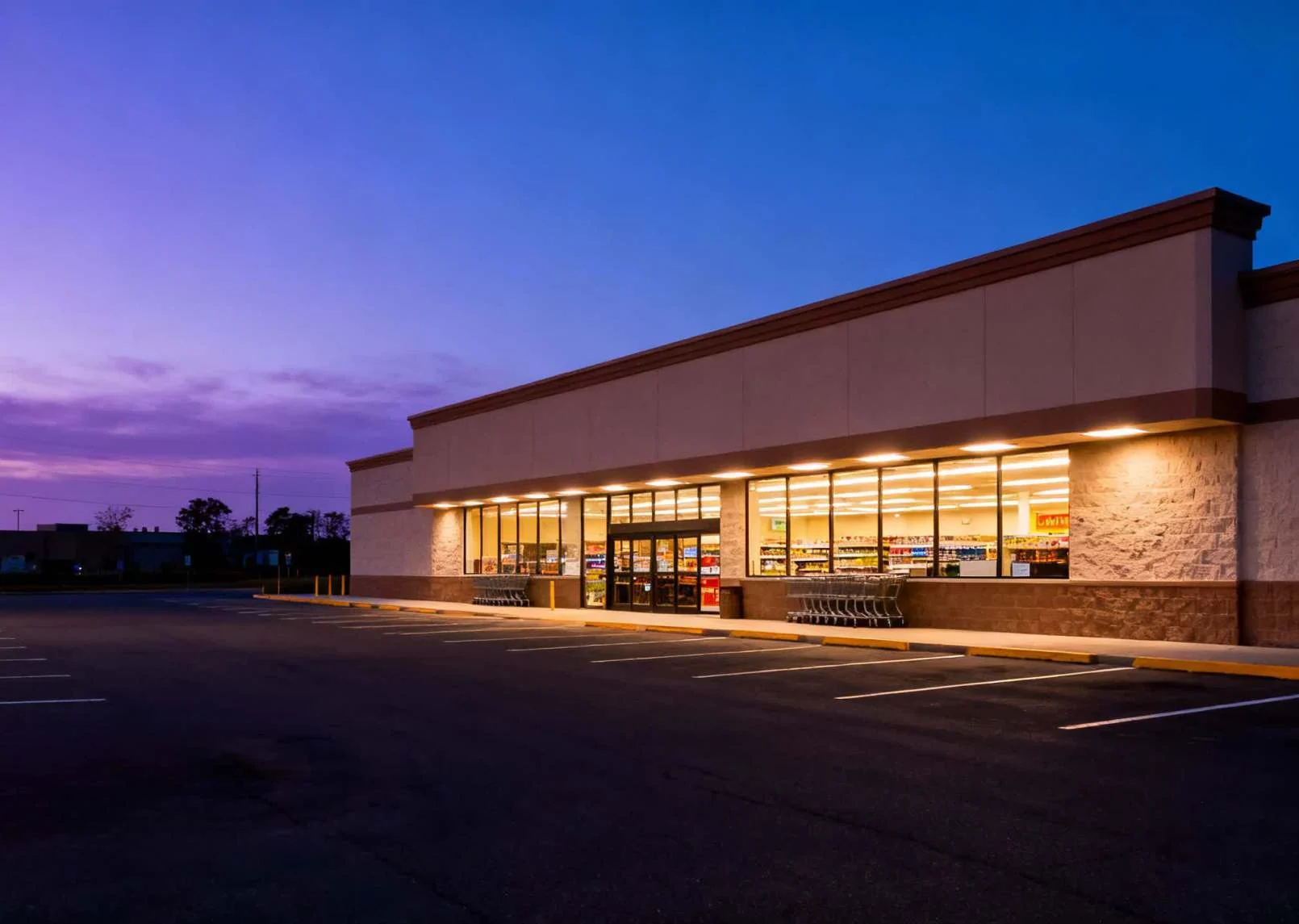
Monitor and control climate, lighting, refrigeration and power remotely across all retail locations.
Key functions:Advice on system design and solution components. We help select equipment and plan integration around your project's needs.
An introductory platform course with practical exercises. Your team learns to configure interfaces and work with the project.
Help during implementation and product operation. We assist with launch and answer questions after deployment.
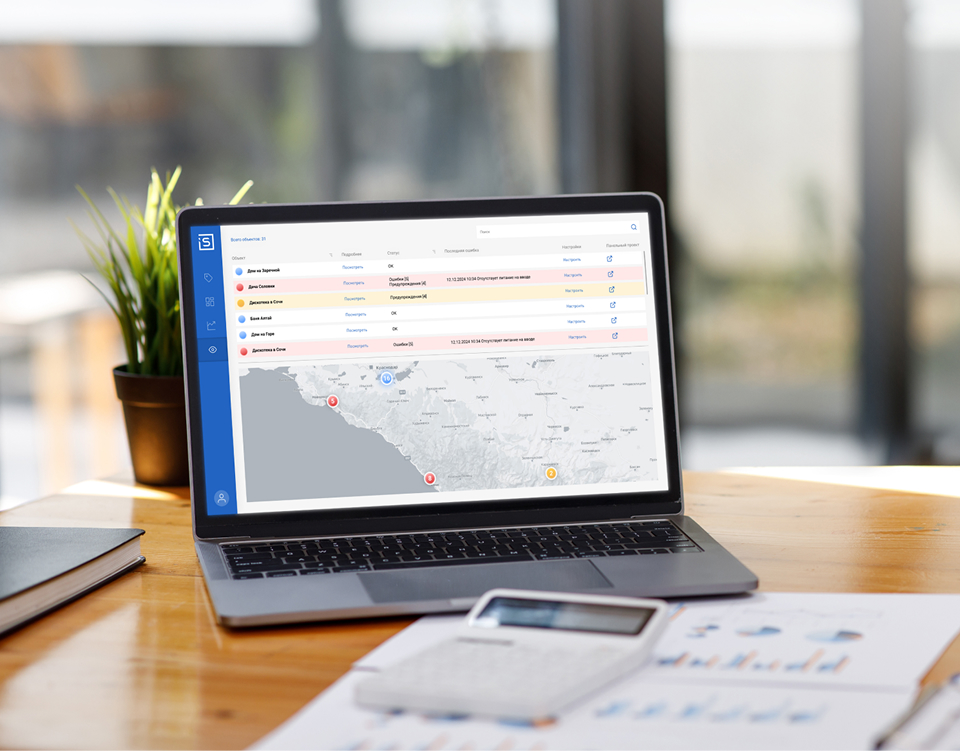
A flexible online service for remotely monitoring the health of engineering equipment, AV devices and IT infrastructure at automation sites.
God’s Eye is designed for automation sites with iRidi Pro servers and online licensing. It provides:
A rapid rise in server CPU temperature may indicate a hardware problem. Arrange maintenance before overheating causes a failure and additional costs.
Memory usage reaches 90%, indicating that the project may be too large or complex for one server. Moving some functions to another server can improve responsiveness and data processing speed.
Low disk space calls for deleting data or configuring automatic cleanup. A full disk can stop the server and may reset the application.
A collector runs too often or for too long, suggesting that its JavaScript needs optimization. Otherwise, the system may slow down and user commands may stall.
Frequent power cuts or phase voltages outside the permitted range may call for a power system upgrade or a discussion with the energy supplier.
A bus device stops responding, leaving some automation functions unavailable. For example, lights may not turn on or thermostats may stop working.
Compatibility depends on equipment models, interfaces and available drivers. Prepare a list of systems and devices so we can assess the options.
The components depend on the project: software, servers, integration devices and control equipment. Selection starts with the building's needs.
Expansion depends on the chosen architecture and licenses. Plan future phases and additional systems during design.
Share the building type and scale, a list of engineering systems, equipment models and operational needs. Mention any technical brief when you contact us.
Tell us about your building and the systems to connect. We can help define the solution and the next step.