Actuators and sensors
Relays and dimmers control connected loads, while sensors report conditions in the home. Choose modules to suit each room.


Wired equipment and software for straightforward, fast home automation based on the Bus77 protocol.
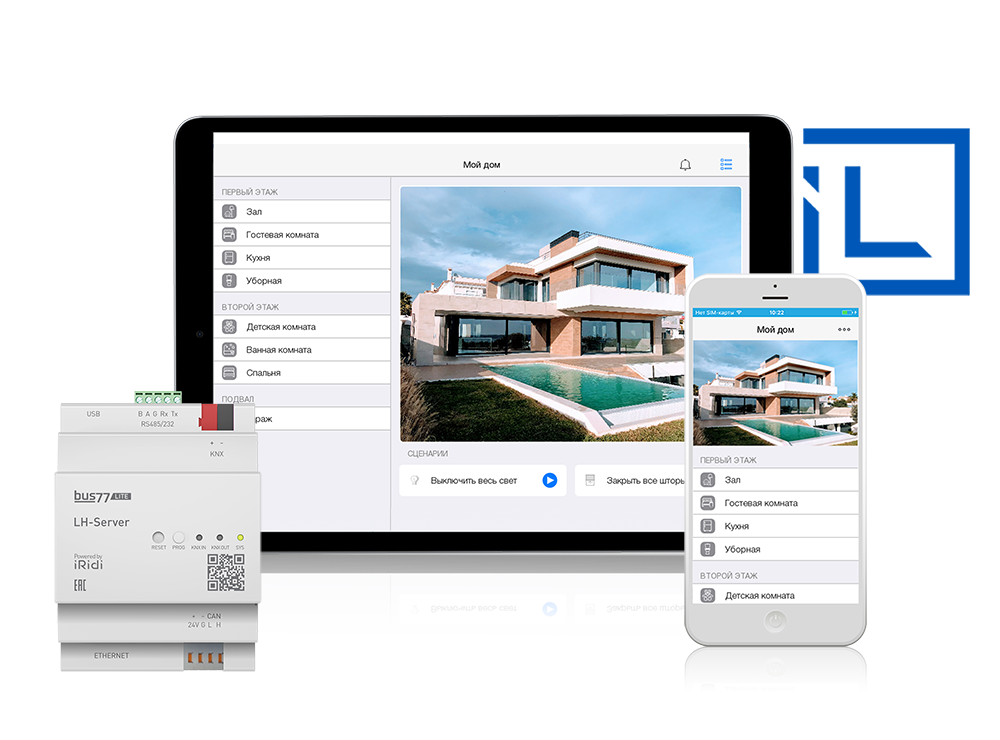
Bus77 Lite combines equipment and an app to automate apartments and houses. The bus connects the devices, while the app connects through the hub or server selected for the project.
Relays and dimmers control connected loads, while sensors report conditions in the home. Choose modules to suit each room.
LH-Hub connects the app to the bus. Projects with LH-Server also support server rules and modes. Choose the option that fits the required functions.
Scene switches, the mobile app and wall panels let you control your home in a familiar way.

Lighting, fresh air, a comfortable temperature and control of home systems. Available functions depend on the selected devices and project configuration.
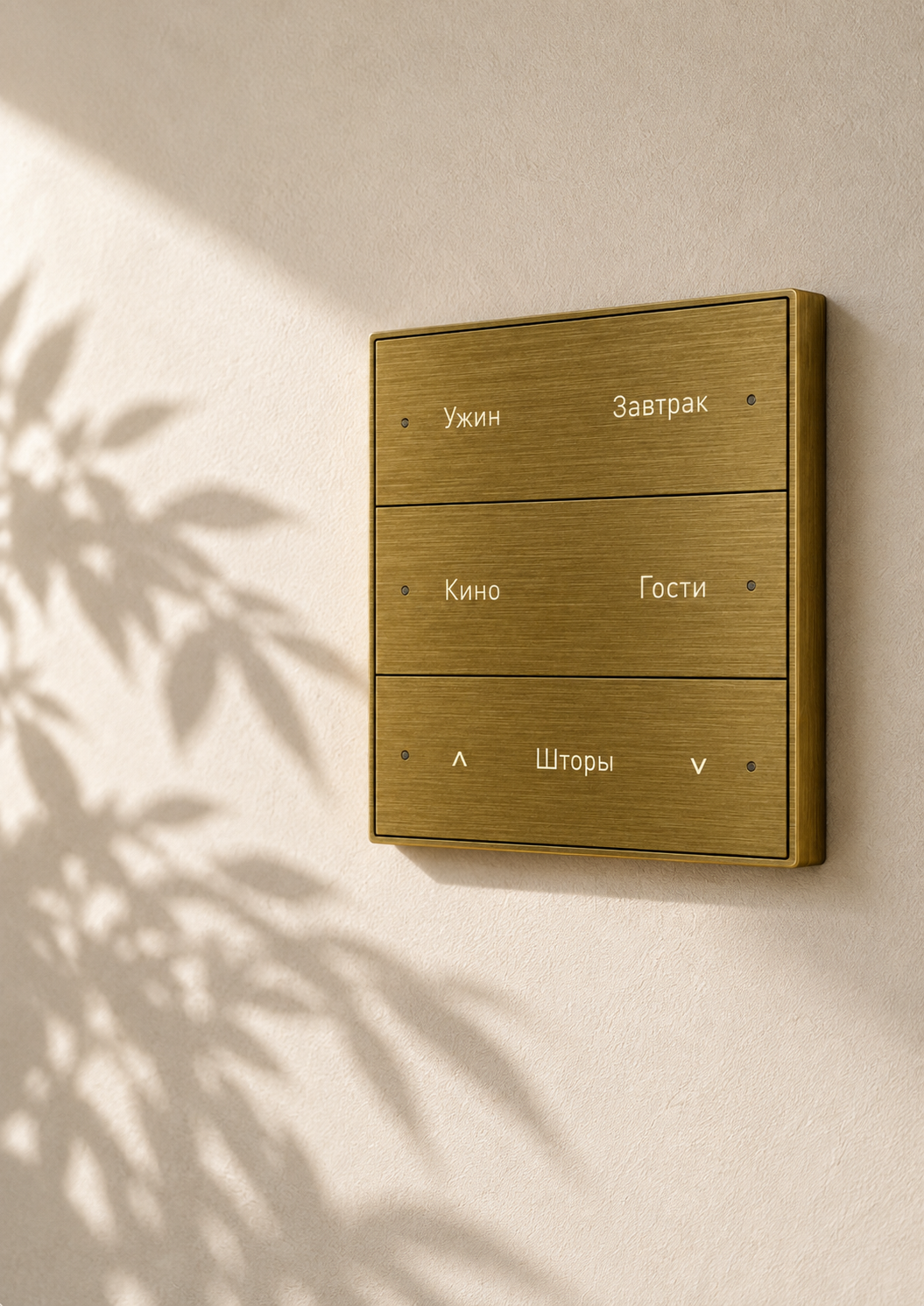
Scene switches start your preset lighting, blind, climate and media modes with one touch.

Temperature, humidity and CO₂ sensors help control compatible ventilation systems or air inlets.
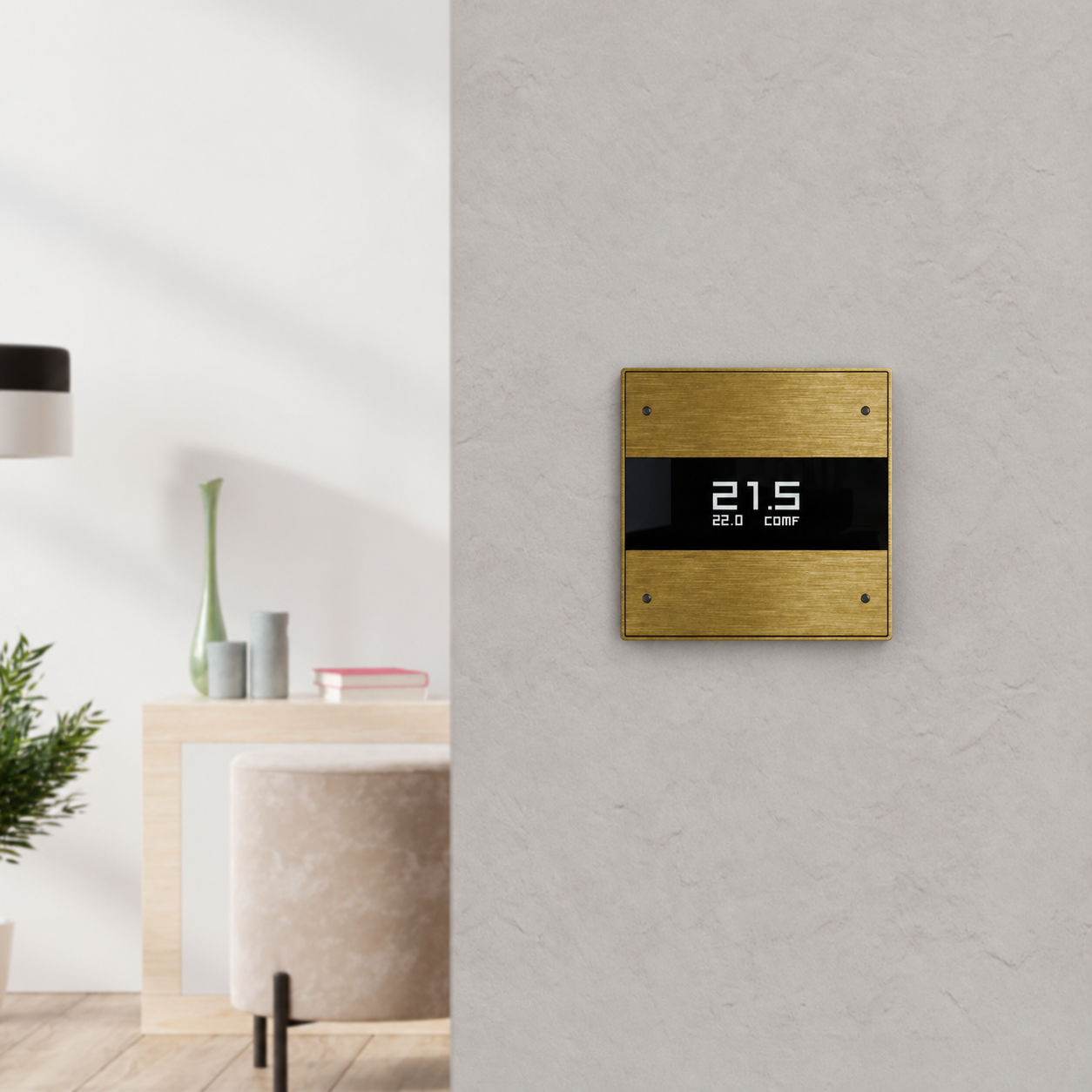
Adjust the temperature in the app and set conditions for different rooms and times of day. Features depend on the installed equipment.
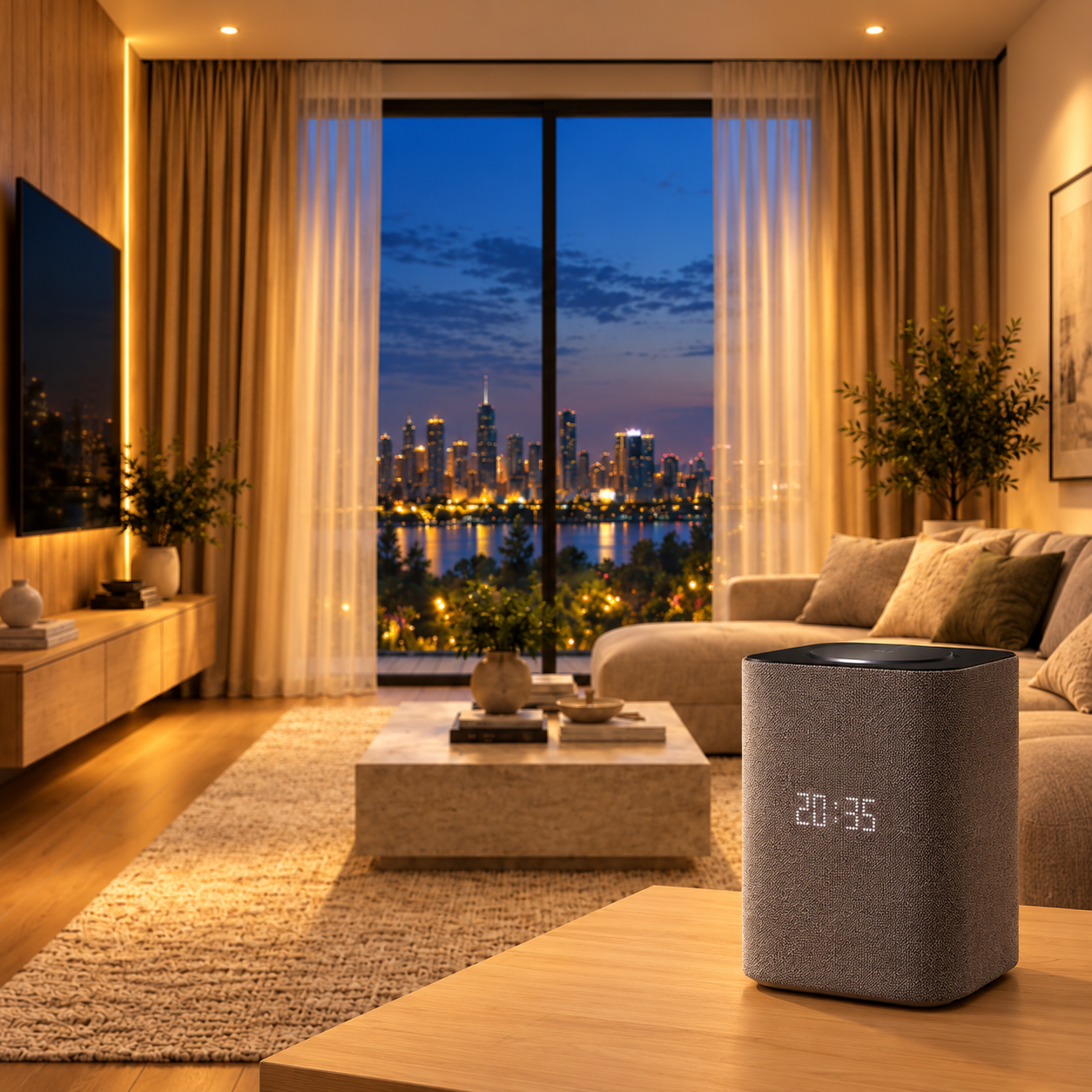
Control blinds on a schedule, according to ambient light or through a configured voice integration.

When water is detected, the system can shut off the supply through connected equipment and send an alert.
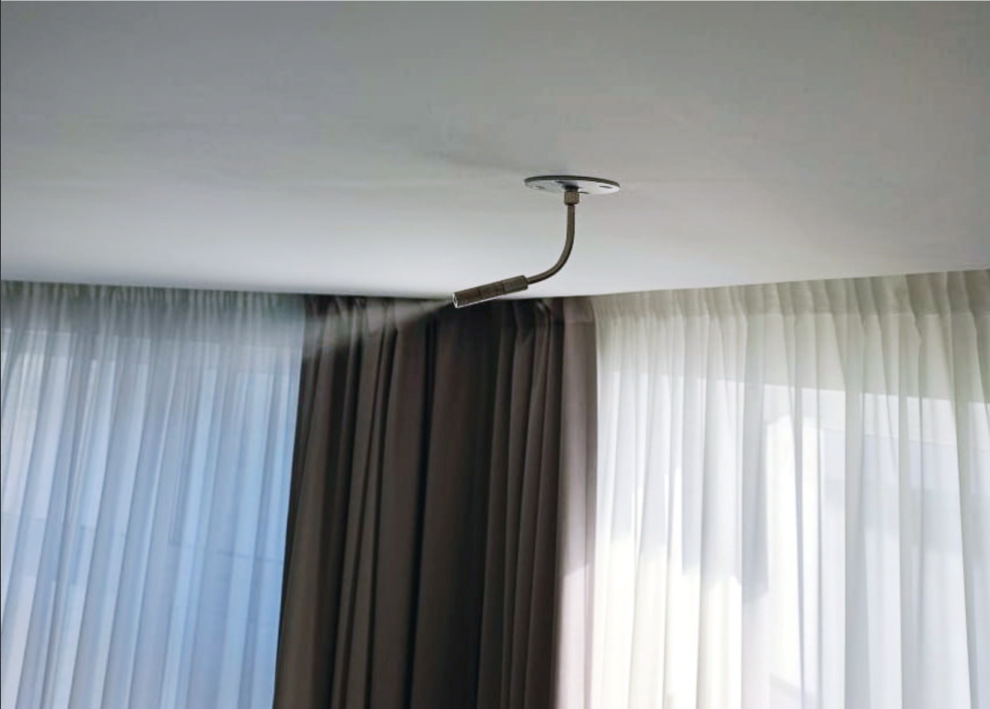
A misting system maintains the set humidity and helps protect wooden surfaces from drying out.
The mobile app, voice control and automatic scenarios complement familiar switches. Available features depend on the configuration and device compatibility.

Configure and monitor home equipment and building systems in one interface on your phone or touch panel. Remote control is available when the project is configured for it.
No need to find a switch or remote. A configured voice assistant can adjust lighting and climate, control blinds and start your preset scenes.

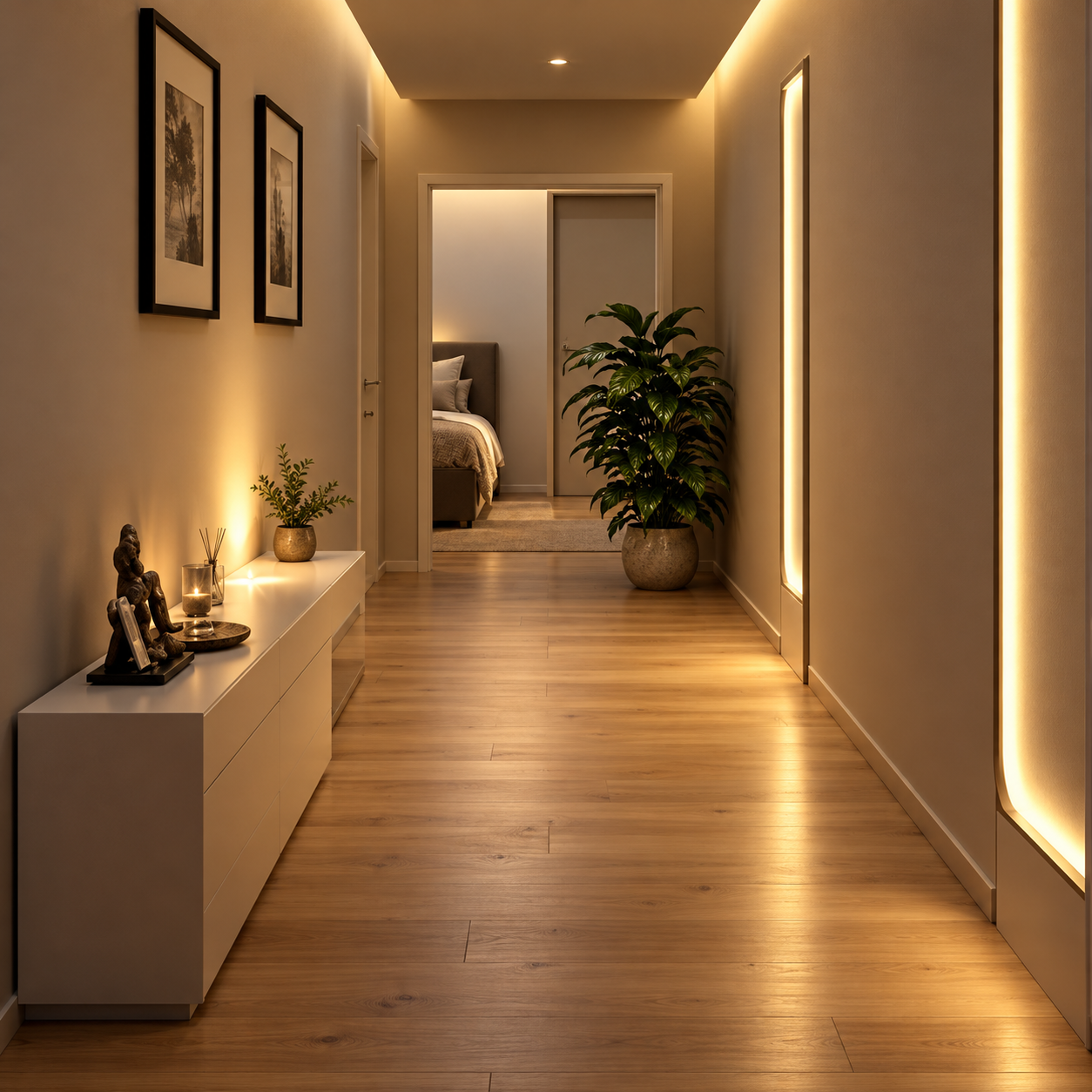
Motion sensors gently turn on the lights when you enter the hallway. When movement stops, the lights dim and then switch off. Day mode uses brighter lighting; at night, soft lighting avoids glare. An ambient light sensor keeps the lights off when there is enough daylight.
Six equipment categories for your project. Choose the design, specifications and number of devices for the functions you need. Capabilities vary by model.
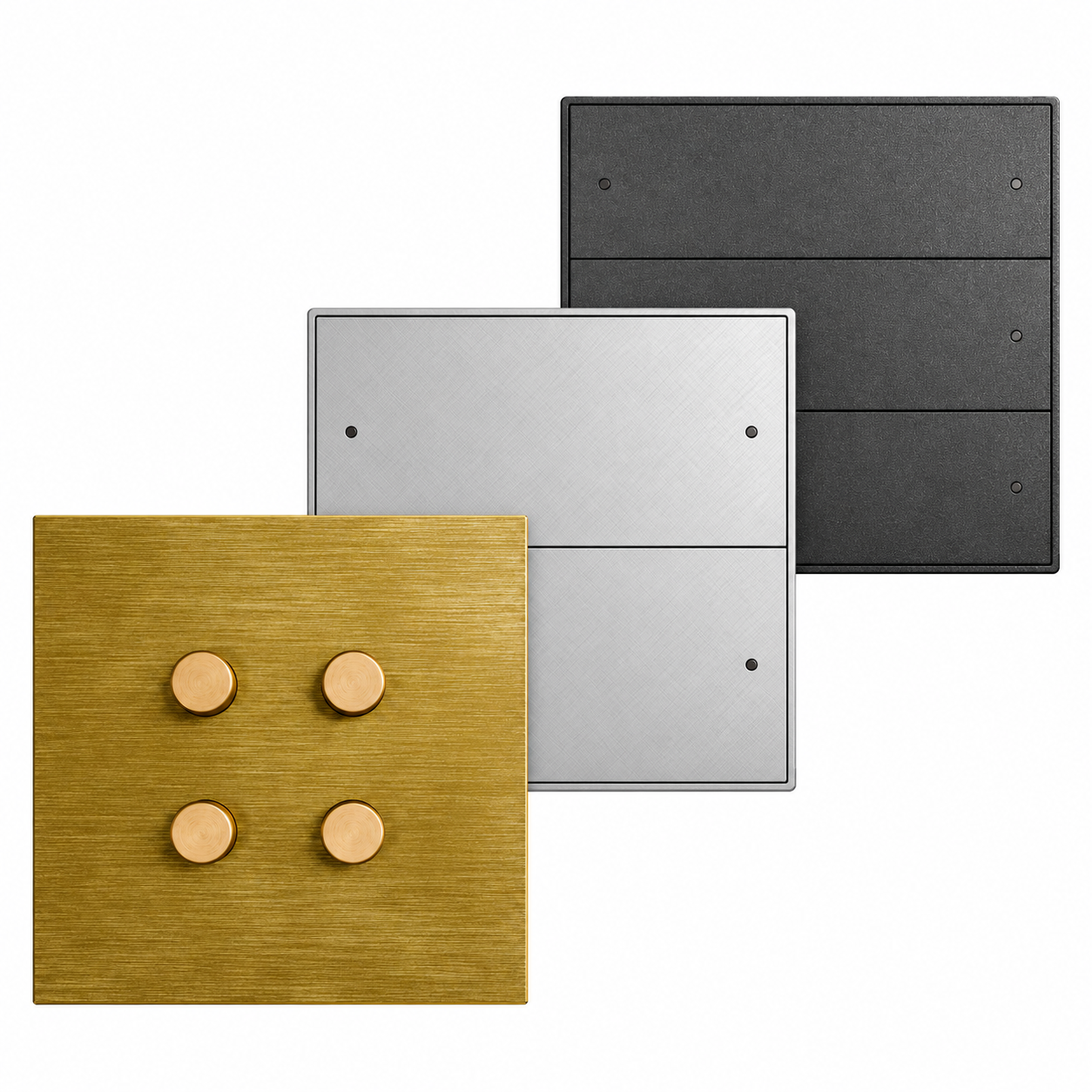
Start scenes and control lighting groups and blinds. Selected models also measure room temperature.
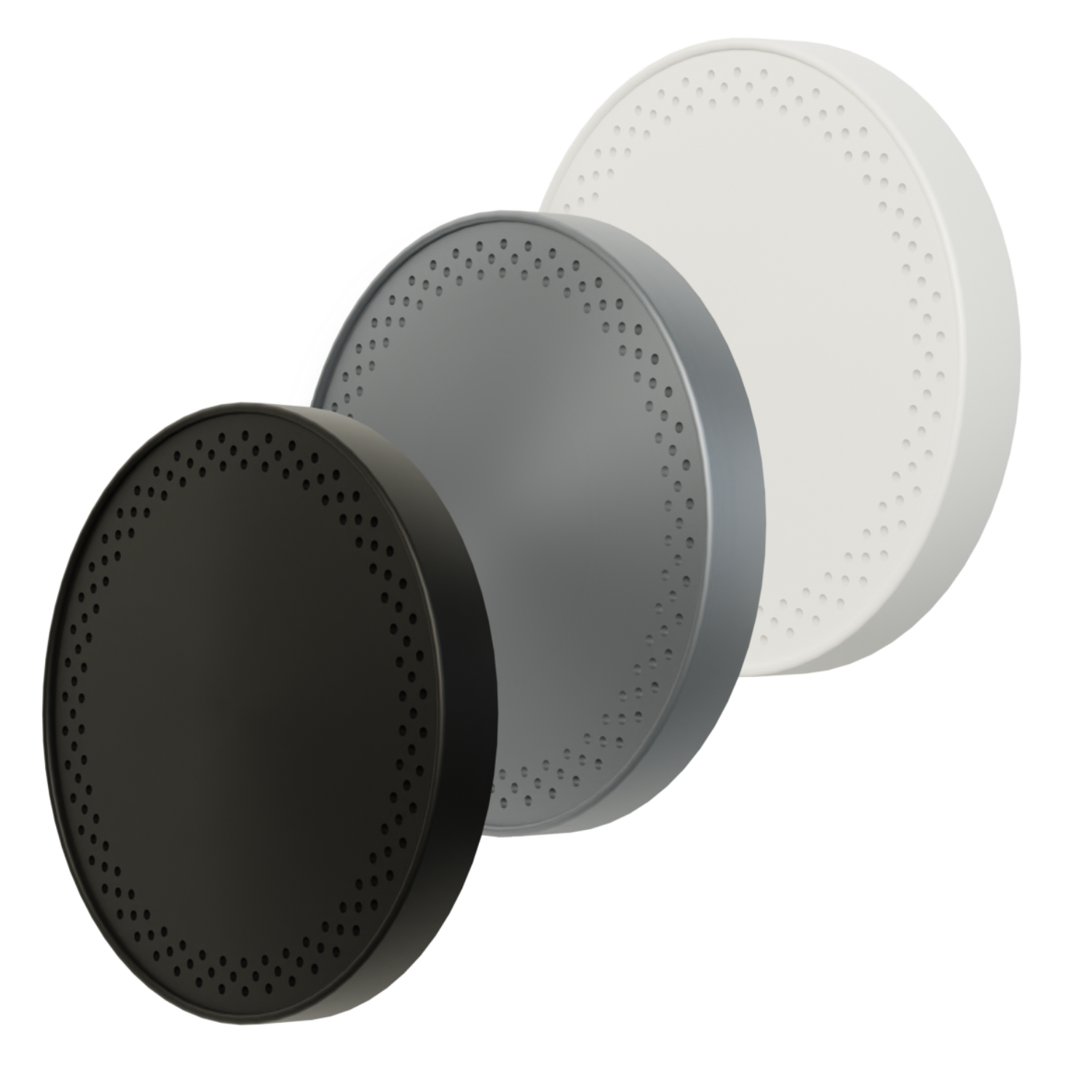
Measure room temperature and CO₂ concentration.
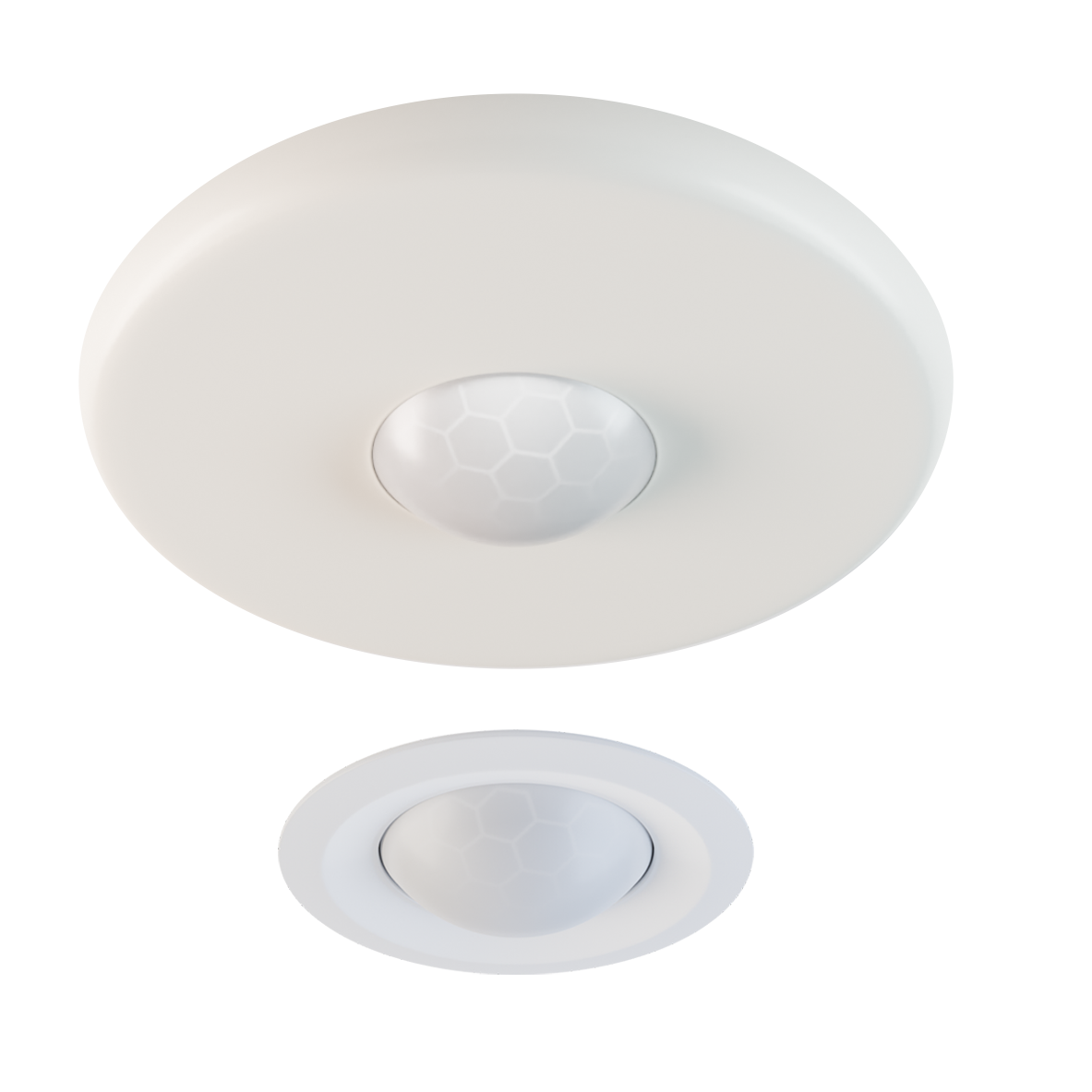
Detect movement and can control relay or dimmer lighting groups according to ambient light.
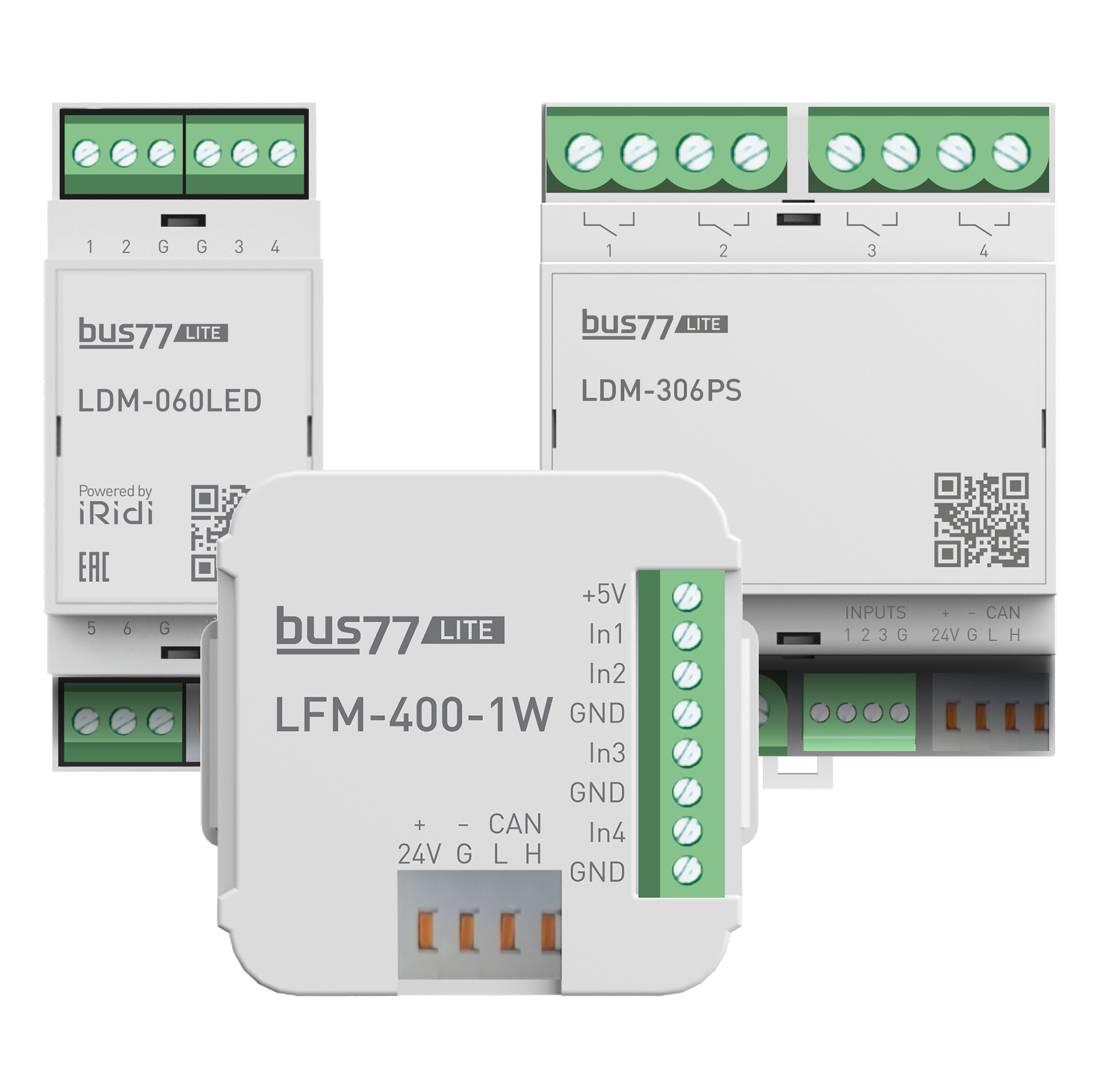
Control lighting, outlet groups, electric underfloor heating and other loads, and collect data from sensors and devices.
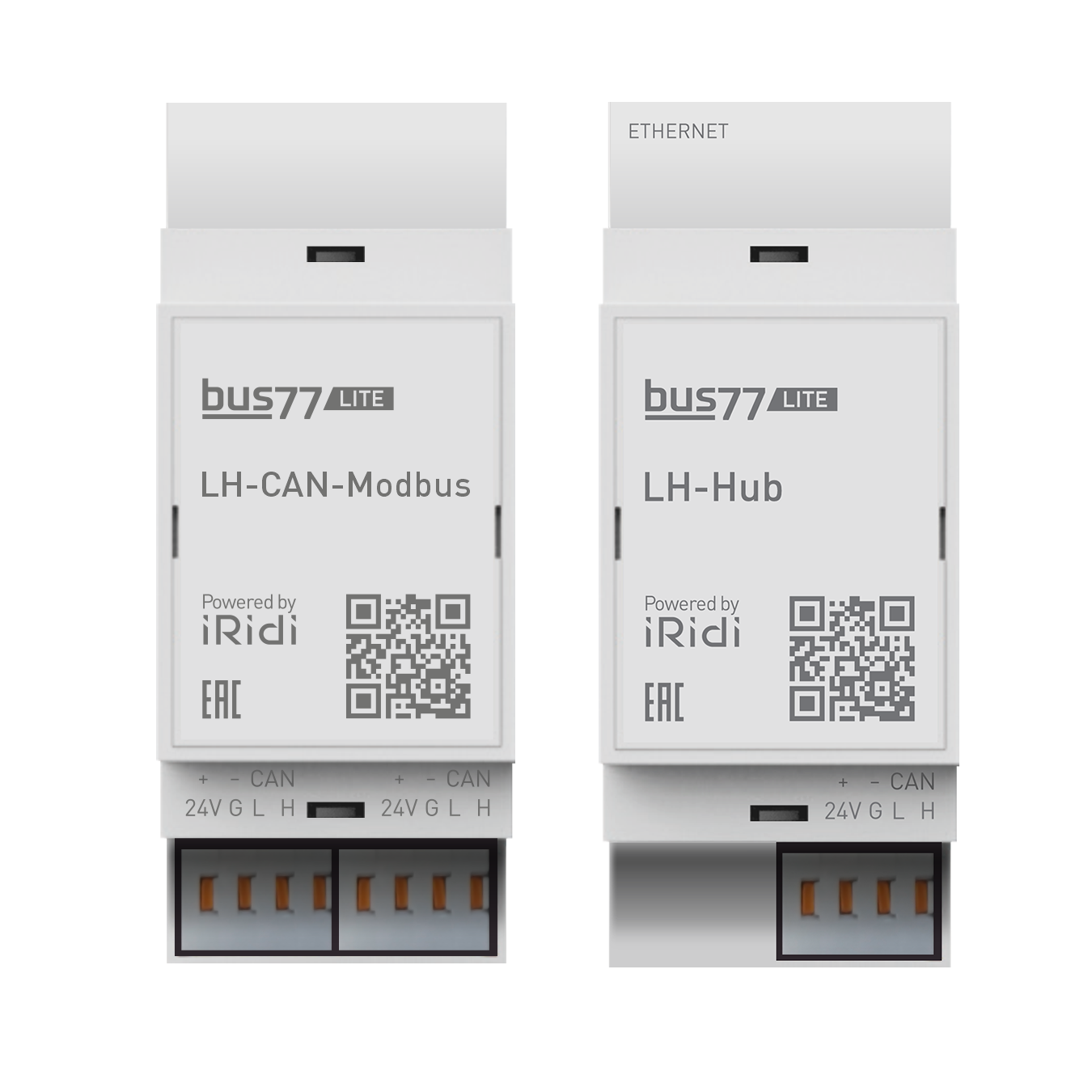
Connect the app locally to configure and control the bus, and create supported scenes and schedules.
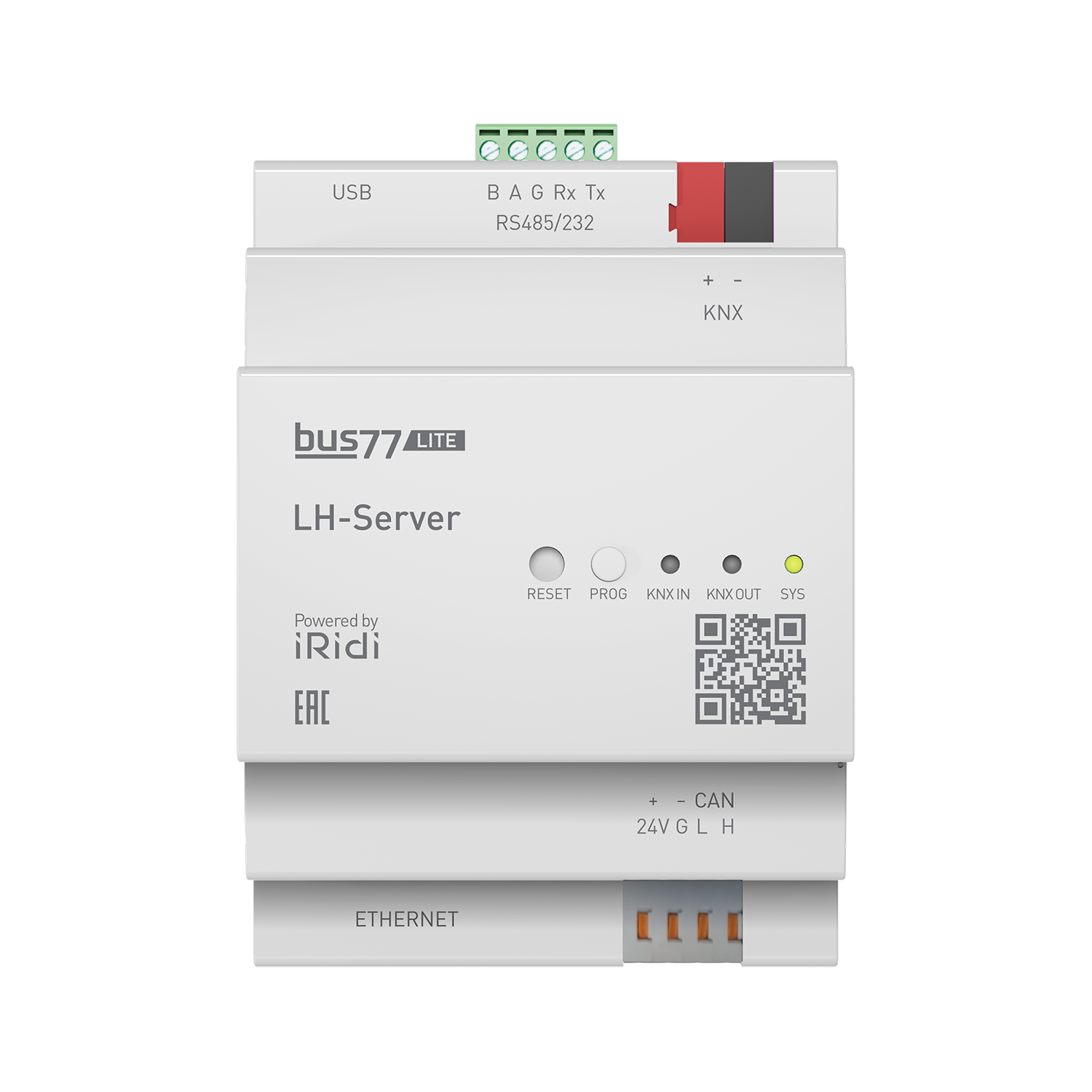
A server for quick Bus77 Lite setup and automation project control. Server projects support rules and modes.
A scene switch in the entryway changes the mode of the whole home with one touch. Set it up around your daily routine.
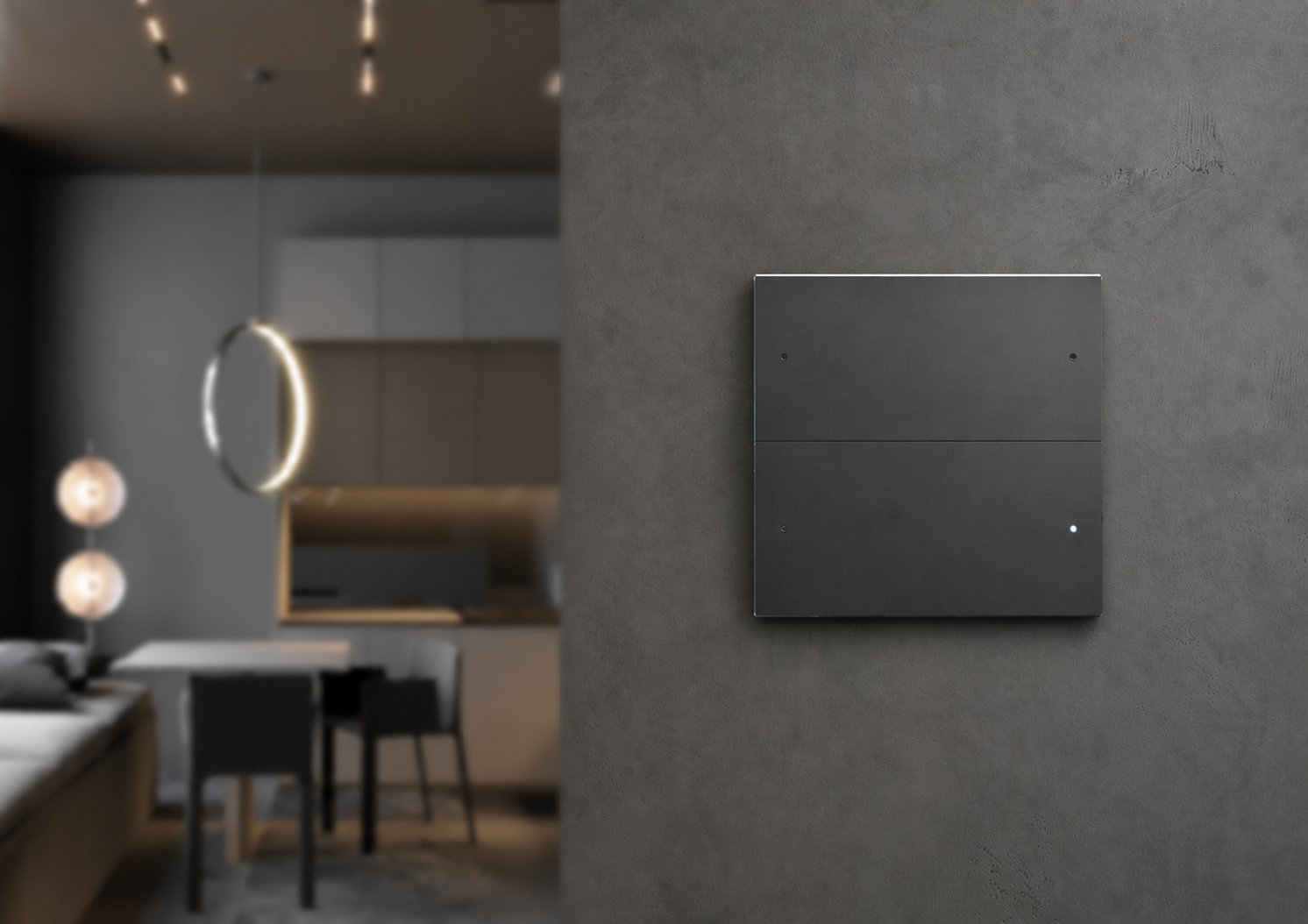
Selected lights and controlled outlets turn on, and climate equipment switches to comfort mode.
Selected lights and controlled outlets turn off, blinds close, and climate control switches to economy mode.
Climate control stays in economy mode. If configured, lights, blinds and media can simulate occupancy.
A dedicated button starts your cleaning scene.
Scene actions depend on the equipment and project settings. Energy savings depend on usage conditions.
These details will help you define your goals and discuss equipment with a specialist.
Note the number of lighting groups, the positions of blinds and climate equipment, and where switches should go.
Describe what has already been done and when cables will be installed. A wired system needs to be considered during renovation planning.
List the actions and scenes you need: what should work automatically and what you want to control manually.
No. The Bus77 Lite app is designed for Lite series equipment and does not support Pro. Choose compatible devices and configuration tools for your project.
Both connect a project in the app. LH-Hub is an interface module linking the app to the bus. Rules and Modes are available only in SERVER-type projects with a server. Choose according to the functions you need.
No. Features depend on the devices, connected loads, integrations and configuration. List your goals first, then check the equipment required.
Plan wiring, distribution board space and device locations during renovation. If renovation is complete, installation options need a separate assessment.
A free online course for interior designers and architects. Learn how to integrate automation into an interior project, select lighting scenes and present smart home options to clients. No specialist technical knowledge is required.
Explore the course for designersA video course for specialists installing smart homes in houses and apartments. It covers typical wiring diagrams and setup in the Bus77 Lite app.
Explore the Bus77 Lite courseLeave your name, phone number and email to discuss Bus77 Lite options for your project.
The form will be available after the amoCRM connection is checked.