Help without entering the room
An employee or guest speaker cannot turn on a screen? Open the right interface remotely without going into the room.


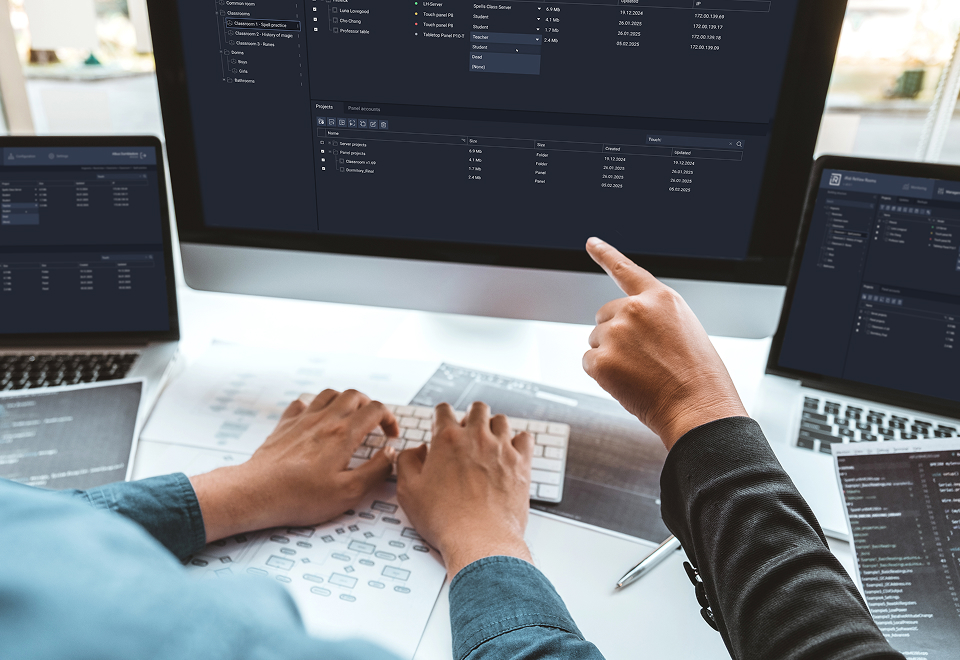
ReView Rooms is a local Help Desk for AV and IT infrastructure: one interface for monitoring, managing and supporting all iRidi panels and controllers. It shows device status, lets you open a panel interface remotely, update projects and help staff — without site visits, complex setup or physical access to equipment.
Modern offices, universities and campuses rely on control systems: panels, controllers and user interfaces. Technical teams keep these systems running. The more rooms they support, the more they need a simple, reliable tool to manage them.
An employee or guest speaker cannot turn on a screen? Open the right interface remotely without going into the room.
The interface is intuitive. No training, lengthy documentation or coding is needed. Any technical specialist can set it up.
Keep track of all your equipment. ReView Rooms shows which panels and controllers are online and which are offline.
It works within your network — no internet, cloud services or external dependencies. The solution is yours to keep.
Update an interface or upload a new controller logic project over the local network without touching the device.
ReView Rooms Server has two isolated network interfaces. No VLAN or port forwarding is needed, with no compromise on security.
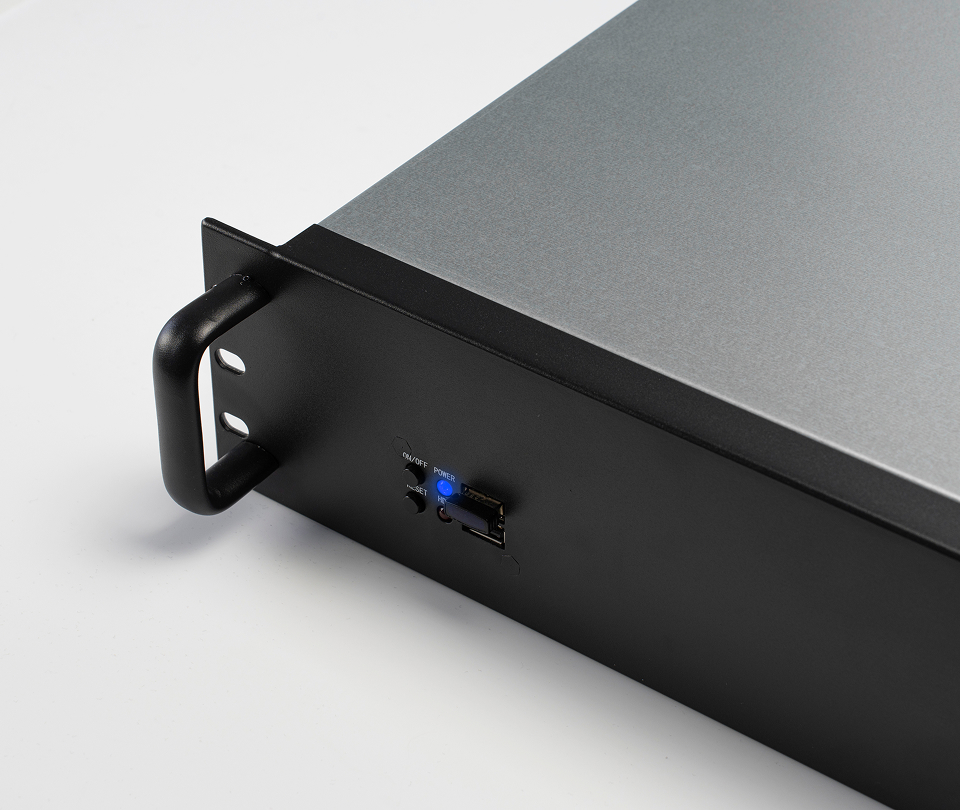
ReView Rooms runs on a standard PC or server. Access its convenient web interface from any browser.
Integration is available for servers with offline licensing. Monitoring and control start as soon as devices are added.
Monitor device status, control panel interfaces and help staff without leaving your desk.

We study how people use ReView Rooms, add the features they need and expand its capabilities.
Coming in future releases:
And this is just the beginning. All features are available through updates at no extra cost.

When supporting the IT and AV infrastructure of a large office, it is important to see the whole system. ReView Rooms simplifies support and helps teams respond quickly to user requests — remotely, without site visits or wasted time.

Campuses and medical centers have many buildings and rooms. ReView Rooms helps keep daily operations stable. Remote interface access and panel and controller monitoring let teams help staff quickly.

In public venues, IT and AV systems may span buildings or sites, while visitors are present only during events. When support is needed, ReView Rooms lets teams respond remotely and promptly.

On complex projects with dozens of devices and rooms, ReView Rooms speeds up commissioning. Engineers get quick access to panels and controllers, open their interfaces and make project changes promptly.
We will give you a demo and software to test on your own, and help you implement your projects.
Checking the form connection…